When marketing campaigns or organic posts achieve high engagement, many users interact with the content (likes, reactions) without following or liking the parent page.
Facebook provides a manual interface to invite users who reacted to a post to like the page. However, manually clicking hundreds of individual invite buttons is tedious.
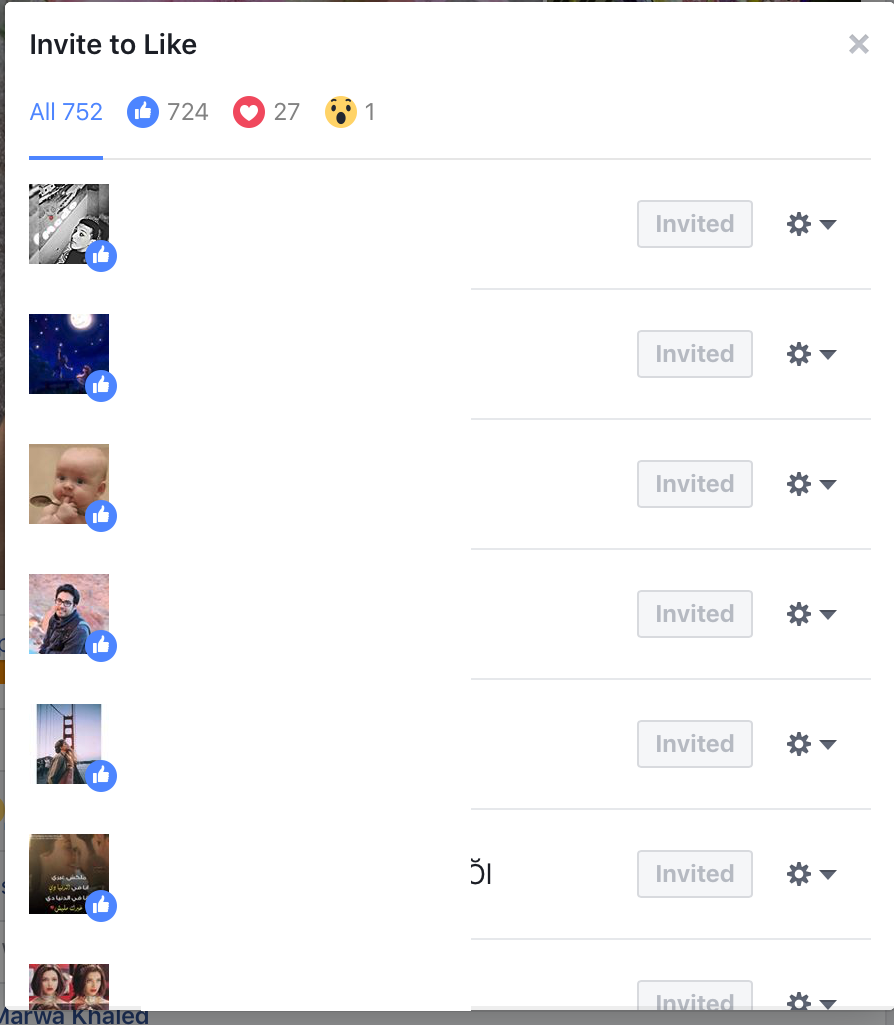 Figure 1: Modal window listing users who reacted to the post.
Browser Console Automation Script
By executing a lightweight script in the browser’s Developer Tools Console, we can automate scrolling through pagination (See More) and dispatching invite clicks with controlled delays to respect client-side rate limits.
Instructions
- Open Facebook and click on the reactions count of your post to open the modal dialog.
- Press
F12(orCtrl + Shift + I/Cmd + Option + I) to open Developer Tools and navigate to the Console tab. - Paste and run the following script:
/**
 * Automated Post Engager Inviter
 * Author: Ahmad Mahfouz (_N1X_)
 */

function scrollAndInvite() {
    let inviteButtons = [];
    let seeMoreButtons = [];

    // Identify clickable buttons inside the active dialog
    const elements = document.querySelectorAll('div[role="dialog"] a, div[role="dialog"] div[role="button"]');

    elements.forEach(el => {
        const text = el.innerText.trim();
        if (text === 'Invite' || text === 'دعوة') {
            inviteButtons.push(el);
        } else if (text === 'See More' || text === 'عرض المزيد') {
            seeMoreButtons.push(el);
        }
    });

    // Expand pagination if available
    if (seeMoreButtons.length > 0) {
        console.log('[*] Expanding reaction list...');
        seeMoreButtons.forEach(btn => btn.click());
    }

    // Dispatch invites with randomized delay to avoid rate limiting
    let index = 0;
    function dispatchInvite() {
        if (index < inviteButtons.length) {
            inviteButtons[index].click();
            console.log(`[+] Sent invite ${index + 1} of ${inviteButtons.length}`);
            index++;
            setTimeout(dispatchInvite, 800 + Math.random() * 500);
        } else {
            console.log('[*] Batch complete. Checking for additional engagers...');
            setTimeout(scrollAndInvite, 2000);
        }
    }

    if (inviteButtons.length > 0) {
        dispatchInvite();
    } else {
        console.log('[+] All visible engagers have been invited.');
    }
}

// Start automation
scrollAndInvite();
Execution Results
The script will iteratively expand the list of reaction profiles and trigger invite requests in sequence:
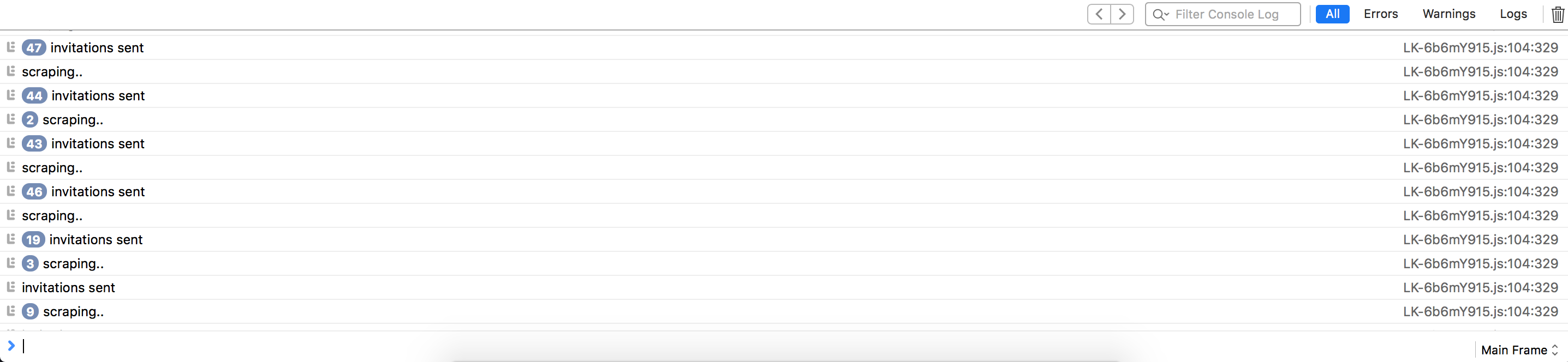 Figure 2: Successfully dispatching batch invitations directly within the browser.
[!TIP] Include a delay of 800–1500 milliseconds between clicks to prevent automated spam detection mechanisms from temporarily throttling your profile actions.