When navigating through phpMyAdmin, you may encounter the following error:
#1146 - Table 'phpmyadmin.pma_tracking' doesn't exist
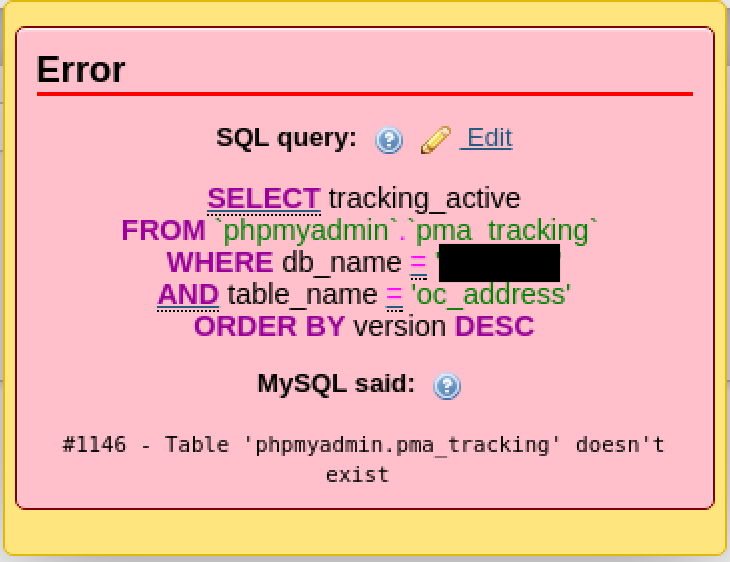 Figure 1: Missing internal configuration storage tables in phpMyAdmin.
This error indicates that phpMyAdmin’s internal metadata and configuration storage database (phpmyadmin) was either skipped during initial package installation or failed to execute its SQL initialization scripts.
Solution 1: Reconfigure via dpkg-reconfigure (Recommended)
On Debian and Ubuntu systems, the cleanest method to repair the metadata database is using dbconfig-common via dpkg-reconfigure:
sudo dpkg-reconfigure phpmyadmin
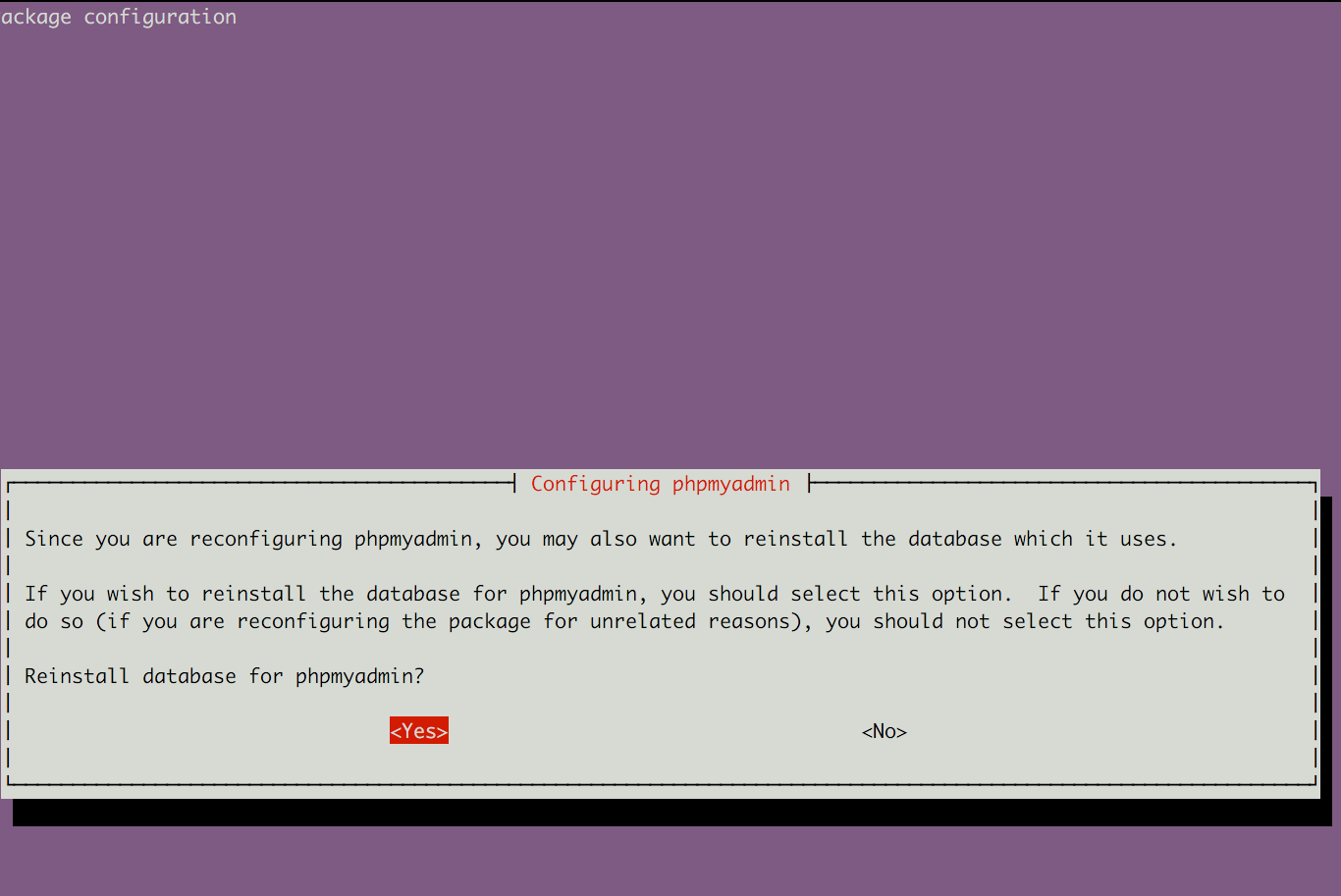 Figure 2: Prompting dbconfig-common to recreate the database.
- Select Yes when prompted to configure the database for
phpmyadminwithdbconfig-common. - Provide the MySQL administrative password to grant setup permissions.
- Choose a password for the internal
phpmyadmindatabase user (or leave blank for an automatically generated string).
Solution 2: Manual SQL Script Import
If you installed phpMyAdmin manually or prefer to provision the required schema by hand:
- Locate the default schema creation script provided by phpMyAdmin:
# Common paths for create_tables.sql:
/usr/share/doc/phpmyadmin/examples/create_tables.sql.gz
# or
/usr/share/phpmyadmin/sql/create_tables.sql
- Decompress and import the SQL schema into your MySQL server:
zcat /usr/share/doc/phpmyadmin/examples/create_tables.sql.gz | mysql -u root -p
- Ensure
/etc/phpmyadmin/config.inc.phphas the tracking table configured:
$cfg['Servers'][$i]['tracking'] = 'pma__tracking';
Log out and back in to phpMyAdmin; the tracking table error will be resolved.